Pivot
A desktop timer for switching between standing, sitting and breaks while you work — the flip cube on my desk, rebuilt as an app. Linux, Windows and macOS.
Why a desktop app
Pivot replaces a physical flip cube timer: turn it to a side, and it counts down the time to stand, sit or take a break. The point of a timer like that is that it goes off no matter what you are doing, and that ruled out the easy path.
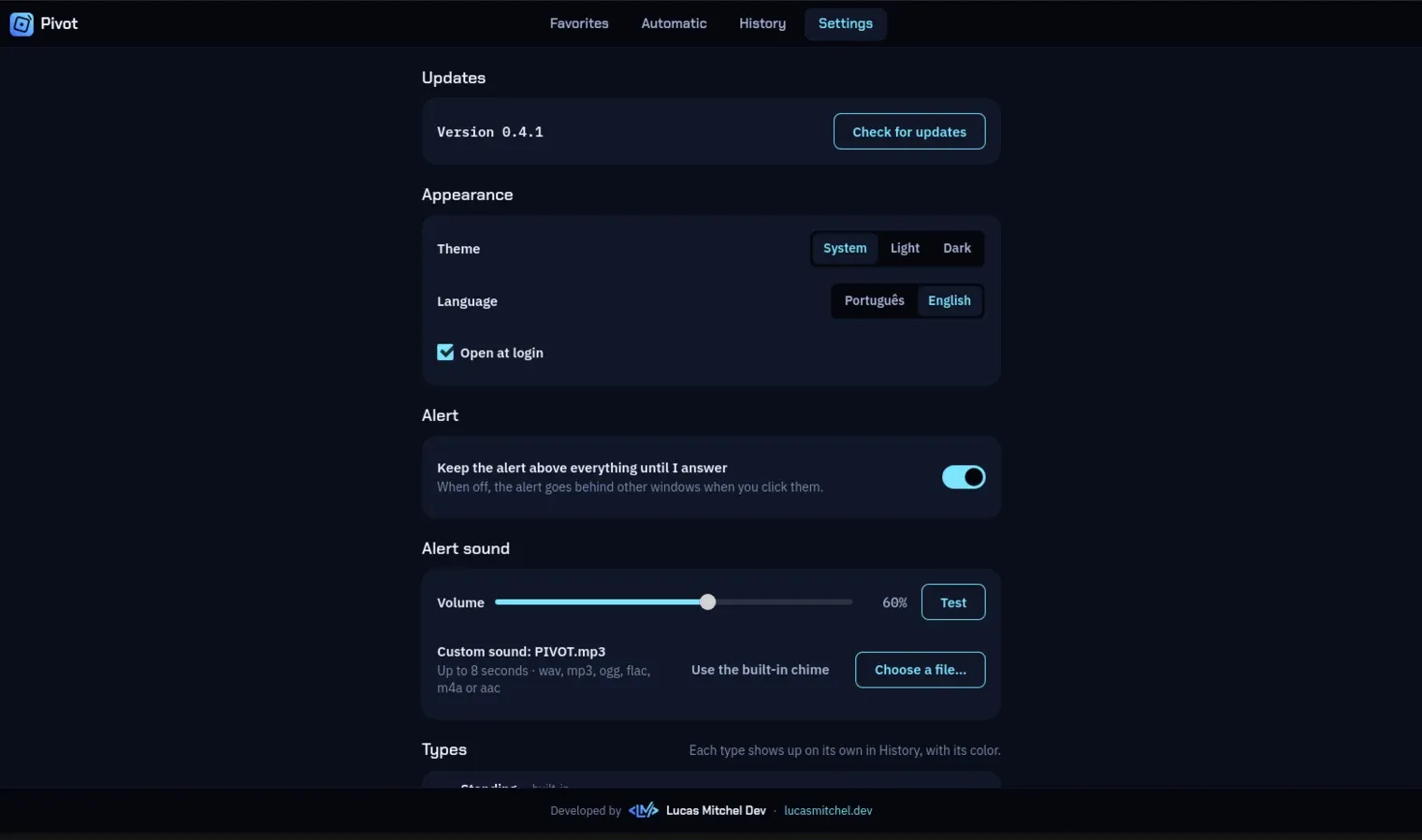
A web app cannot promise the alarm with its tab closed, cannot put a countdown in the top bar and cannot raise an alert on top of everything else. So it is a desktop app, built with Tauri 2: one codebase for the three systems, with a plain web interface that uses the same design system as this site.
How it is built
The rules live in a Rust core with no interface in it: timers, chaining, reminders, history and the terminal commands, on SQLite and covered by tests. The Tauri layer only connects that core to the tray, the windows and the commands, and the front end is TypeScript with no framework.
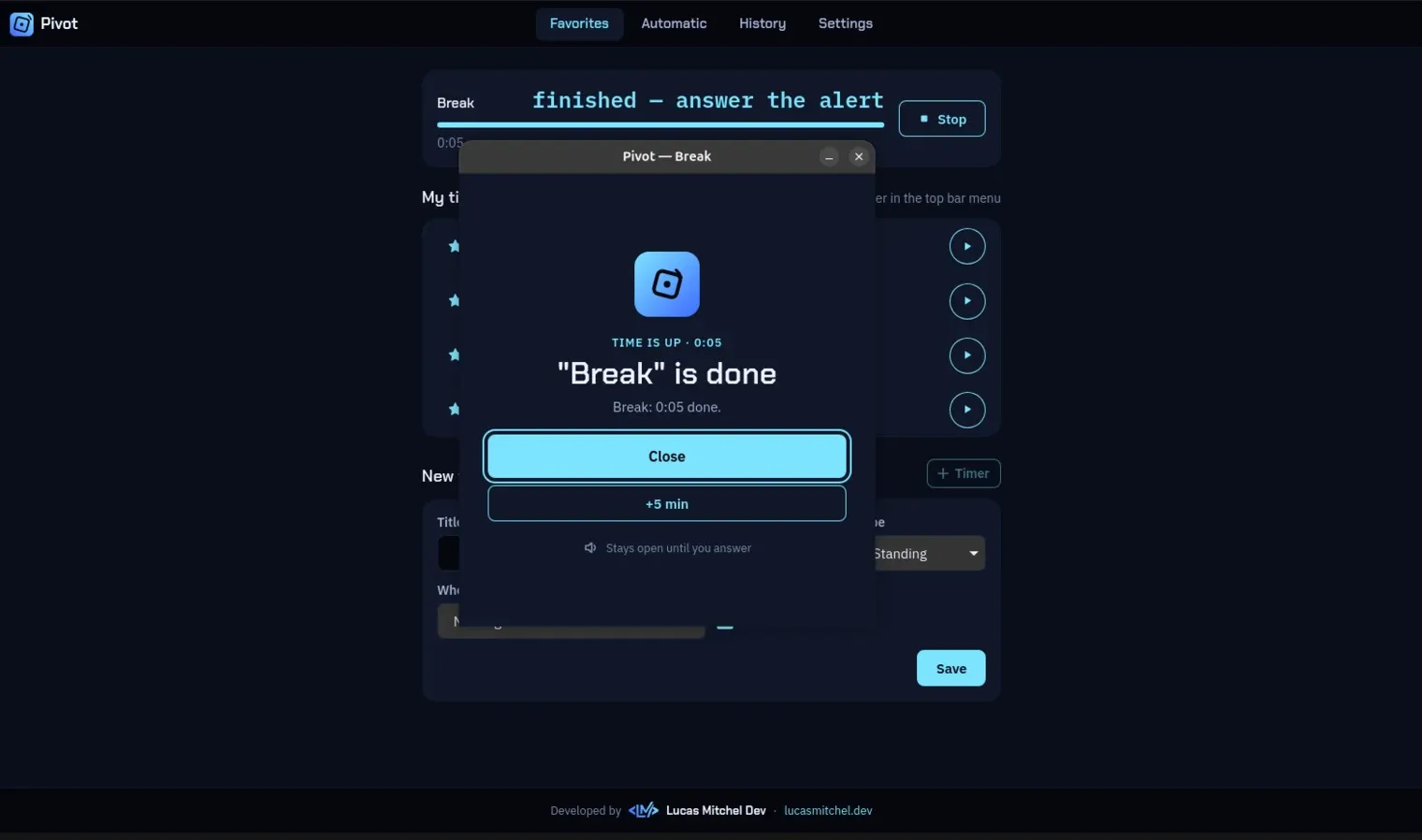
It runs as a single process that lives in the tray and starts with the system. A clock ticks once a second, fires what is due, and opens the alert window with sound. Running pivot from the terminal reaches that same process instead of starting a second one.
What it does
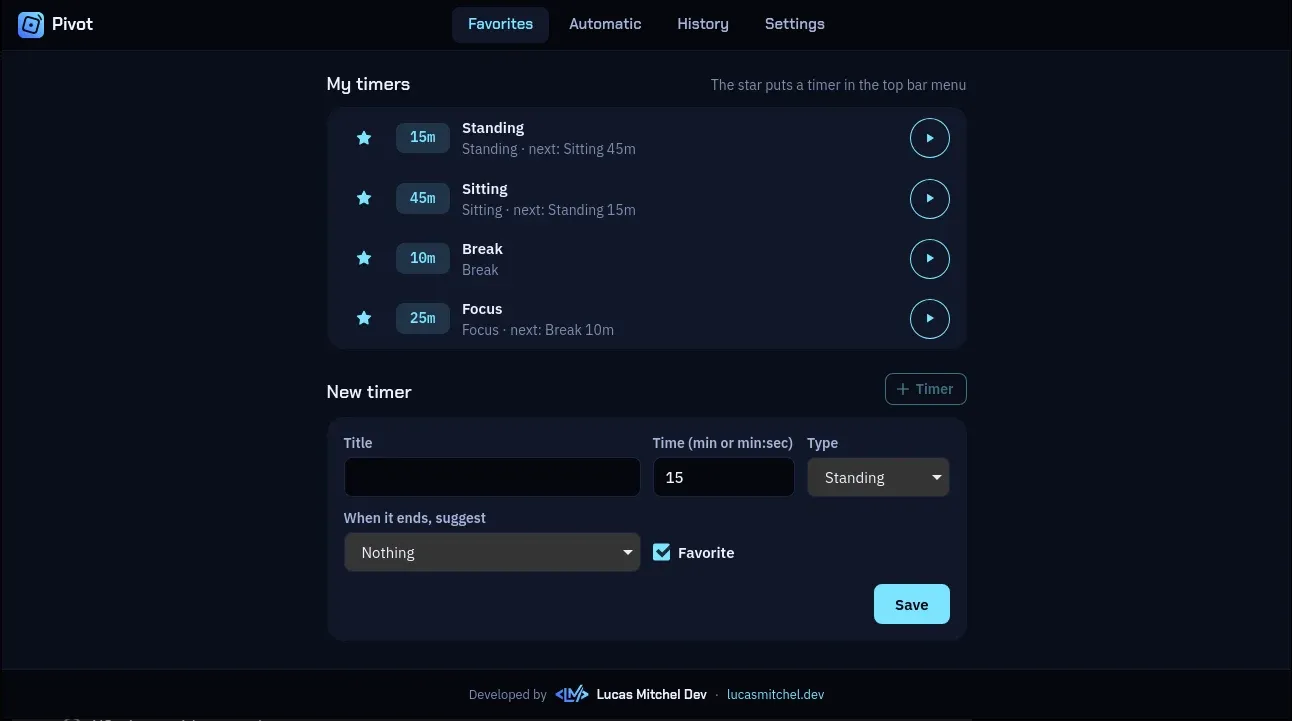
- Timers that hand over to each other, which is what makes it a flip cube: Standing ends and offers Sitting, and Sitting offers Standing again. One click on the alert starts the next one.
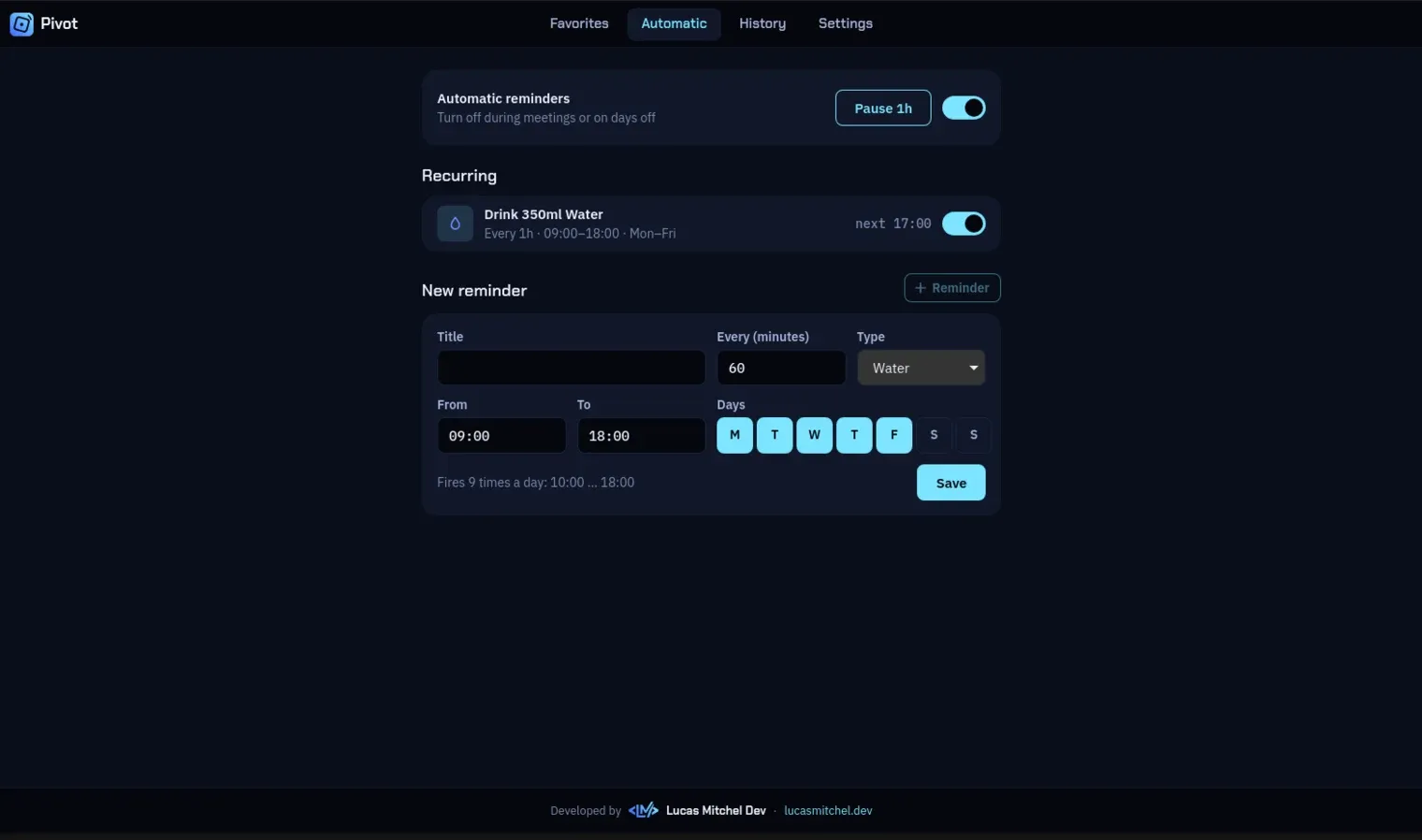
- Recurring reminders such as drinking water every hour on weekdays. A reminder missed by more than 15 minutes, because the laptop was asleep, is dropped instead of going off late.
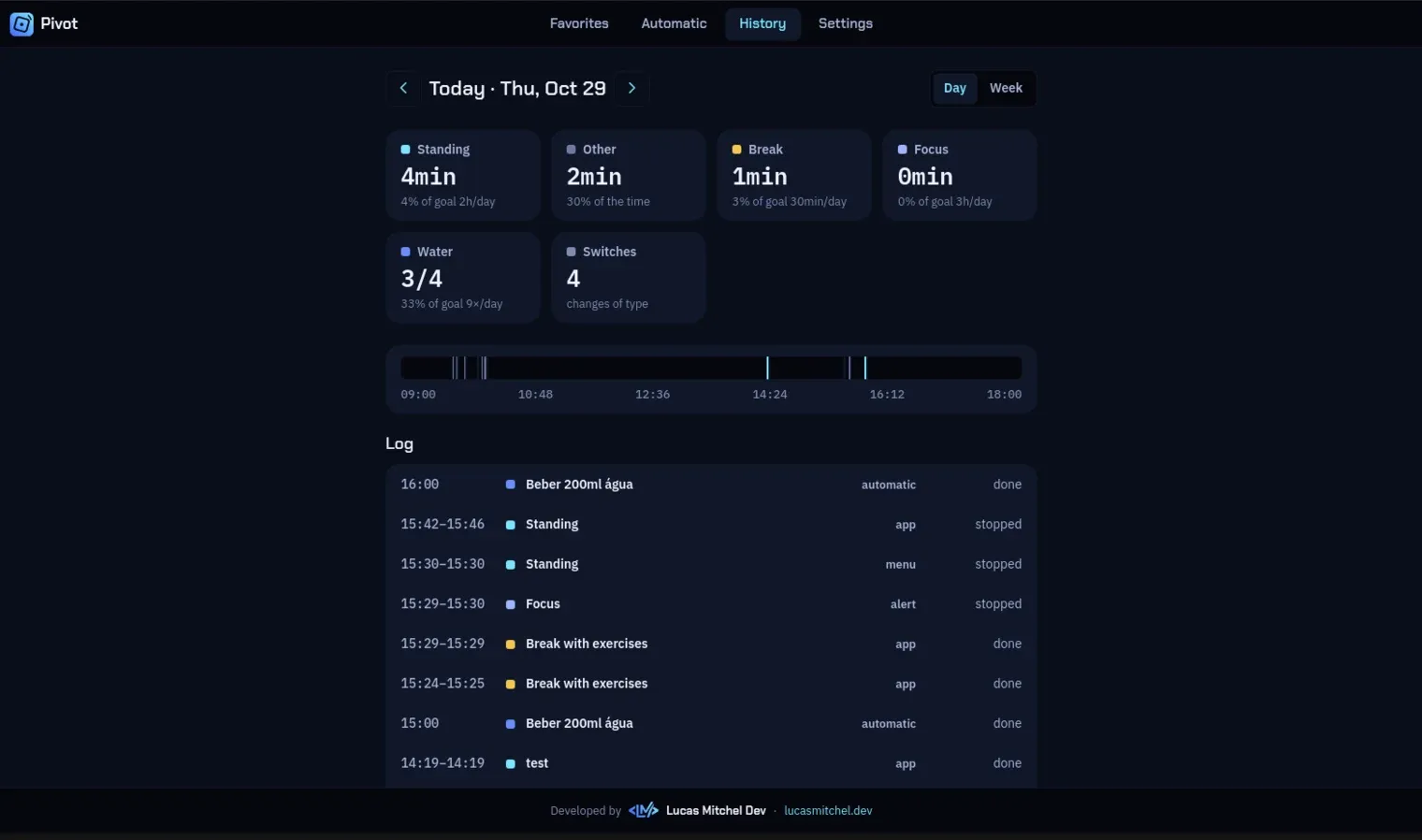
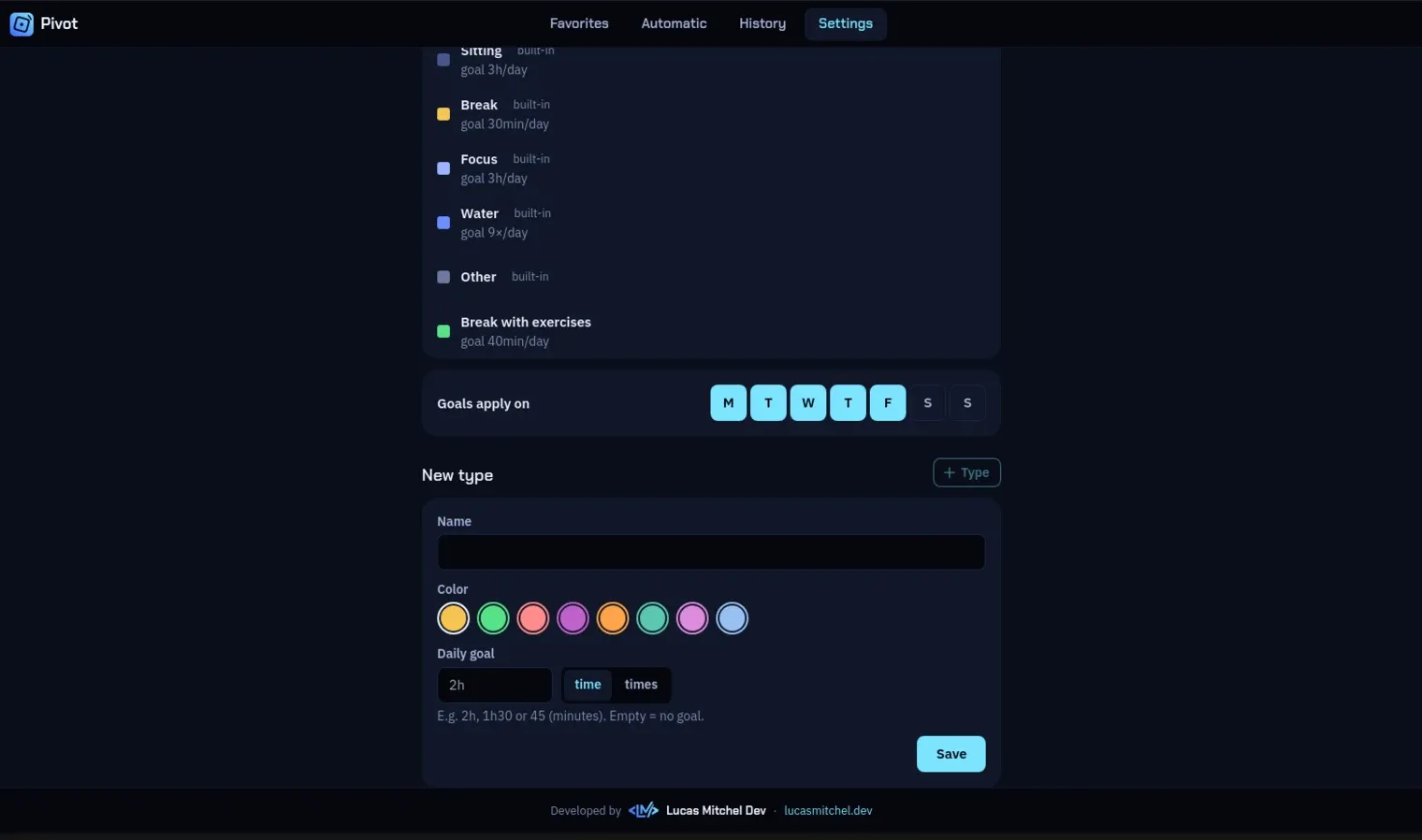
- A day and week history with time per type, the switches between types and the reminders done, including types the user creates, each with its own colour.
- Terminal commands to start a saved timer, run a one-off one, check the status or read the day's summary without opening the window.
- English and Brazilian Portuguese, in the windows, the tray menu, the notifications and the terminal.
Shipping it
Pushing a version tag makes GitHub Actions build every installer, for Linux, Windows and both kinds of Mac, and publish the release. The app checks that release when it starts and updates itself where the system allows it.
The installers are not code-signed on purpose. A paid certificate and developer membership make no sense for a small app that keeps everything on the computer, so the README explains the warning Windows and macOS show. Updates are still signed with the app's own key, so it only installs builds that came from this repository.